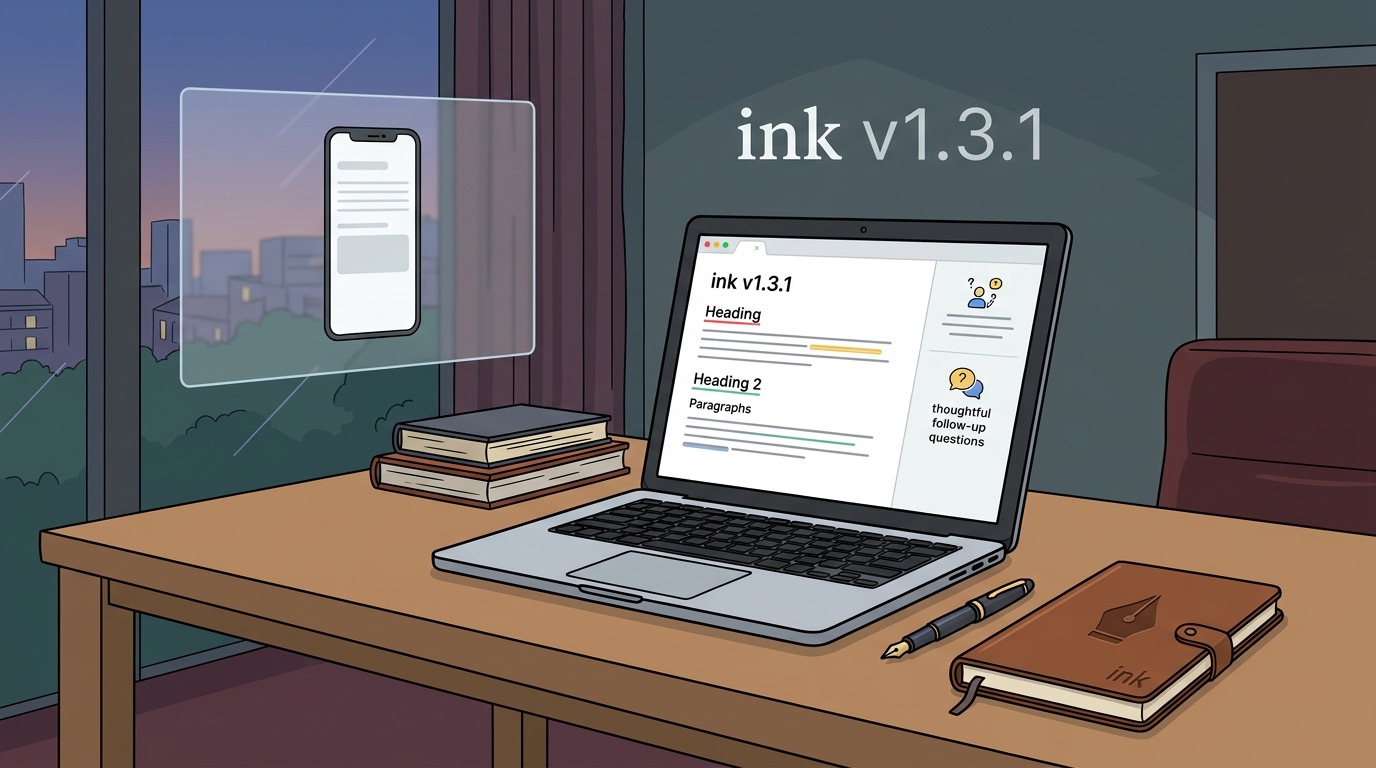
When I shipped v1.1.5 back in early April, I described it in the Cogito release story as Ink starting to become a more thoughtful writing environment. Cogito Mode had just landed — a local-first AI side panel that reads your last sentence and returns three sharp follow-up questions, no cloud required.
Now, with v1.3.1 shipping today, that promise has moved forward in a few concrete ways. Here’s what changed.
Document Linter — v1.3.0
The biggest feature since v1.1.5 is the new Document Linter, introduced in v1.3.0 on 2 June.
The Linter analyses your open document and surfaces structural and stylistic issues inline — things like orphaned headings, inconsistent list formatting, or overly long paragraphs. It doesn’t rewrite your prose; it’s more like a copy-editor reading your document and flagging anything that might trip a reader up before you export.
This felt like the obvious next step after Cogito. Cogito helps you think; the Linter helps you clean up. Together they make the editing loop tighter without turning Ink into yet another AI writing assistant that talks over you.
WebMCP Note Tool — Now Behind an Agent Popup (v1.2.0)
In v1.2.0, the WebMCP note tool moved behind an agent popup. Previously it sat exposed in the main UI, which felt cluttered for users who don’t use MCP-connected workflows.
The change is subtle but good for focus. The writing surface stays clean by default. If you’re running a local MCP agent and want to drop notes from external tools into your draft, it’s one click away — but it no longer competes visually with the core editing experience.
Mobile Fix — Textarea Auto-Zoom (v1.3.1)
v1.3.1 is a small but genuinely annoying fix. On iOS (and some Android browsers), tapping into a textarea with a font size below 16px triggers an automatic zoom. Two commits — 86d66f8 and 836dbc9 — fix this across both the main editor and the Cogito panel.
If you’ve ever tried writing a quick note on your phone and had the screen zooming in, you’ll know how annoying this is. It’s fixed now.
What’s in the Download
Every release ships a standalone ink-app.html — a single self-contained file you can open in any modern browser, no install required. The v1.3.1 build is 148 KB and includes all features: Cogito Mode, Document Linter, WebMCP agent, colour themes, markdown export, and the mobile fixes.
What’s Next
The arc from v1.1.5 to v1.3.1 has been about layering intelligence onto a clean writing core without bloating it. The Linter and Cogito already work well together. A natural next step is tighter integration between them — imagine the Linter flagging a weak paragraph and Cogito offering a set of questions to sharpen it on the spot.
The repository is open at github.com/feddernico/ink. Feel free to raise Issues and pull requests!