Shure
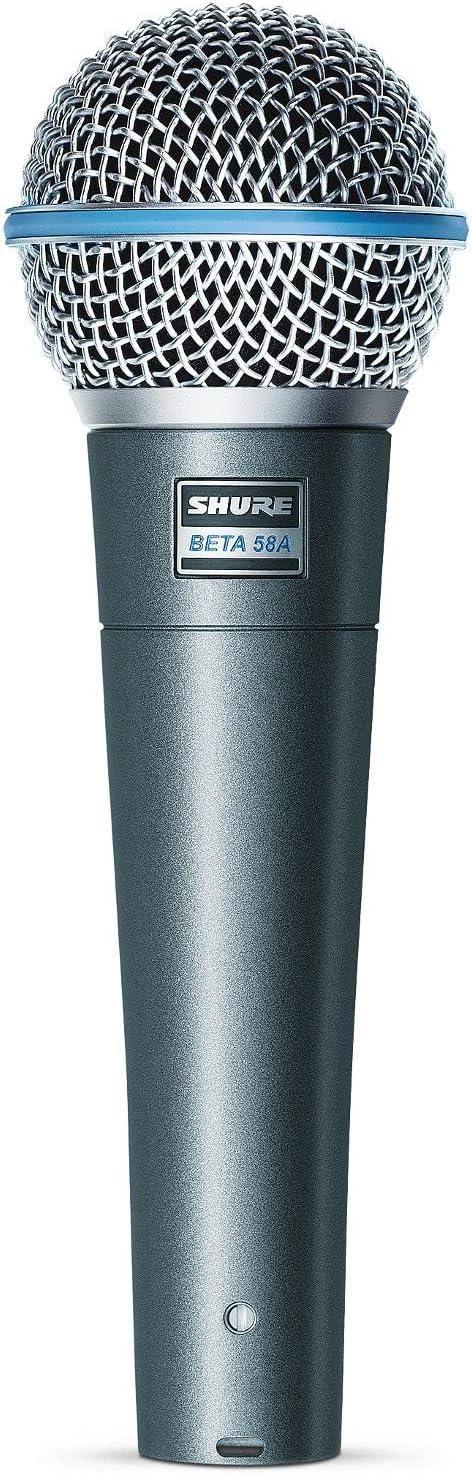
Shure Beta 58A dynamic vocal microphone
£158
My go-to mic for a compact portable voice setup.
See on Amazon
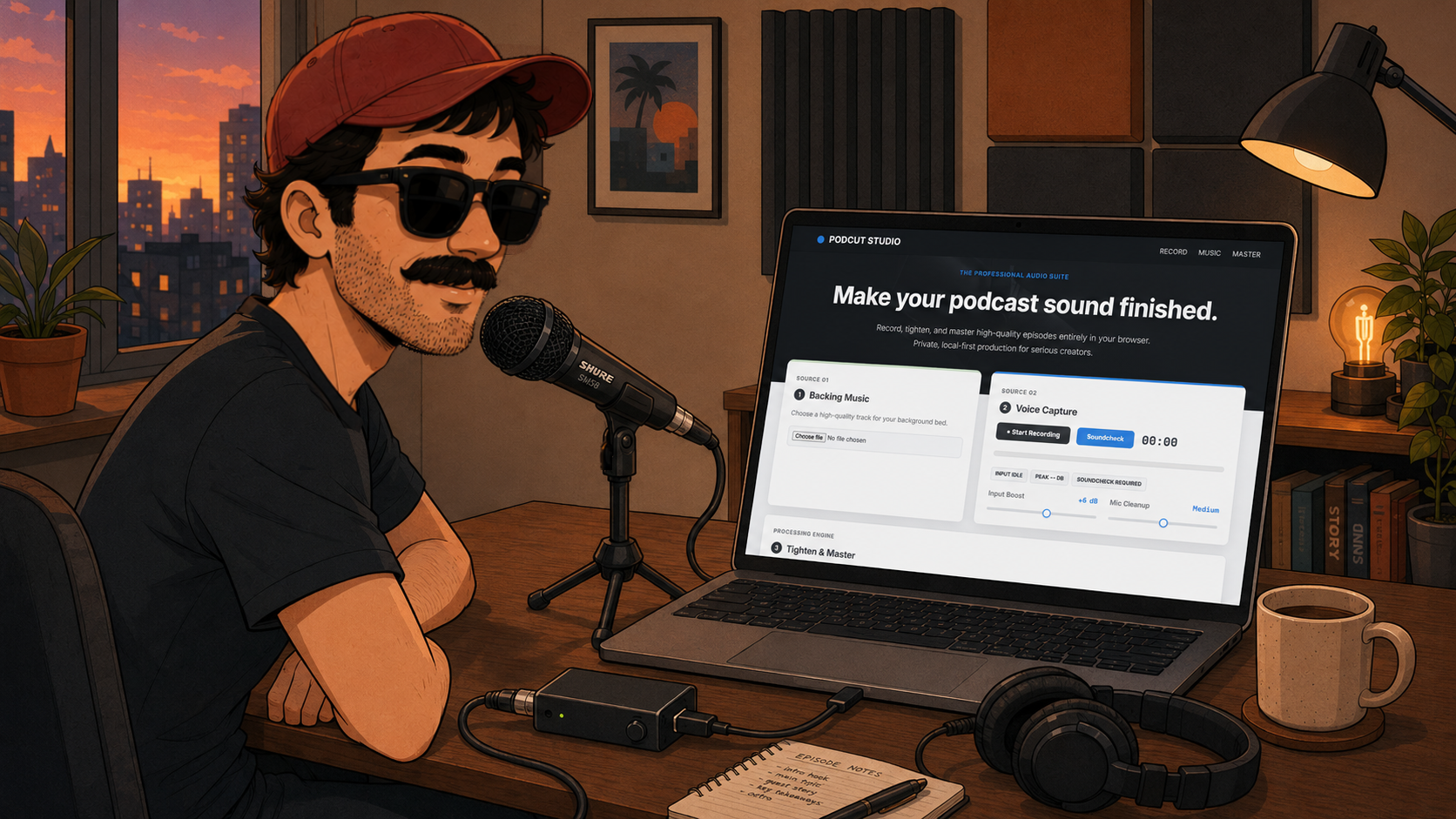
Recipe for a finished-sounding podcast episode
Reading time: 3 minutes
Ingredients: a microphone, a voice take, optional background music, and a browser
Difficulty: 🟡🟡⚪⚪⚪
Complexity drill-down:
Perfect song for the recipe
Podcast editing often starts with a simple goal: record a voice, remove the awkward silence and ehmmm gaps, make it clearer, add a little music underneath, and export something that sounds ready to publish.
Then you hit against the wall of audio setup.
You open a DAW, start thinking about plugins, gain staging, silence cutting, export settings, and listening back just to try again. A ten-minute recording can easily turn into a long editing session before it ever feels finished.
Thinking about how to improve this workflow, I decided to build PodCut Studio to solve that problem.
PodCut Studio is a local-first browser studio for people who want something immediate and portable: open it, plug in your mic, choose your music, record, and let the app handle the finishing work. No account. No backend. No upload step. The audio stays on your device, and the workflow is just fast.
You can use the full-page version here: https://viscioletti.com/apps/audio/podcut/
If the embed feels cramped on your device, open the dedicated app page instead: https://viscioletti.com/apps/audio/podcut/
PodCut Studio is built around a simple production flow.
First, you load optional background music. The app accepts common audio formats such as MP3, M4A, AAC, WAV, AIFF, and browser-supported audio files. That means you can bring a musical bed or a subtle loop without leaving the page.
Second, you record the voice directly from the microphone. The recorder requests a clean mic signal with echo cancellation, noise suppression, and automatic gain control disabled where the browser allows it. I wanted the recording path to feel as immediate as possible: mic, headphones, phone or laptop, and a short session so you can be straight to the point.
Third, you tighten and master. This is the heart of PodCut Studio. The silence controls let you decide how aggressively the app removes dead air:
After that, the voice chain handles the practical cleanup: input boost, mic cleanup, speech denoise, noise floor reduction, post noise gate, voice intensity, EQ, and mastering. The goal is to make a rough take feel clearer, more present, and much closer to something you would actually publish.
Fourth, you export. PodCut Studio generates a mastered WAV file in the browser and makes it available for download. You can preview the raw recording, the edited voice, the denoised version, the processed voice, and the final mastered mix before deciding what to keep.
I built PodCut for three kinds of people.
The first is the solo creator with a low budget who still wants high-quality audio.
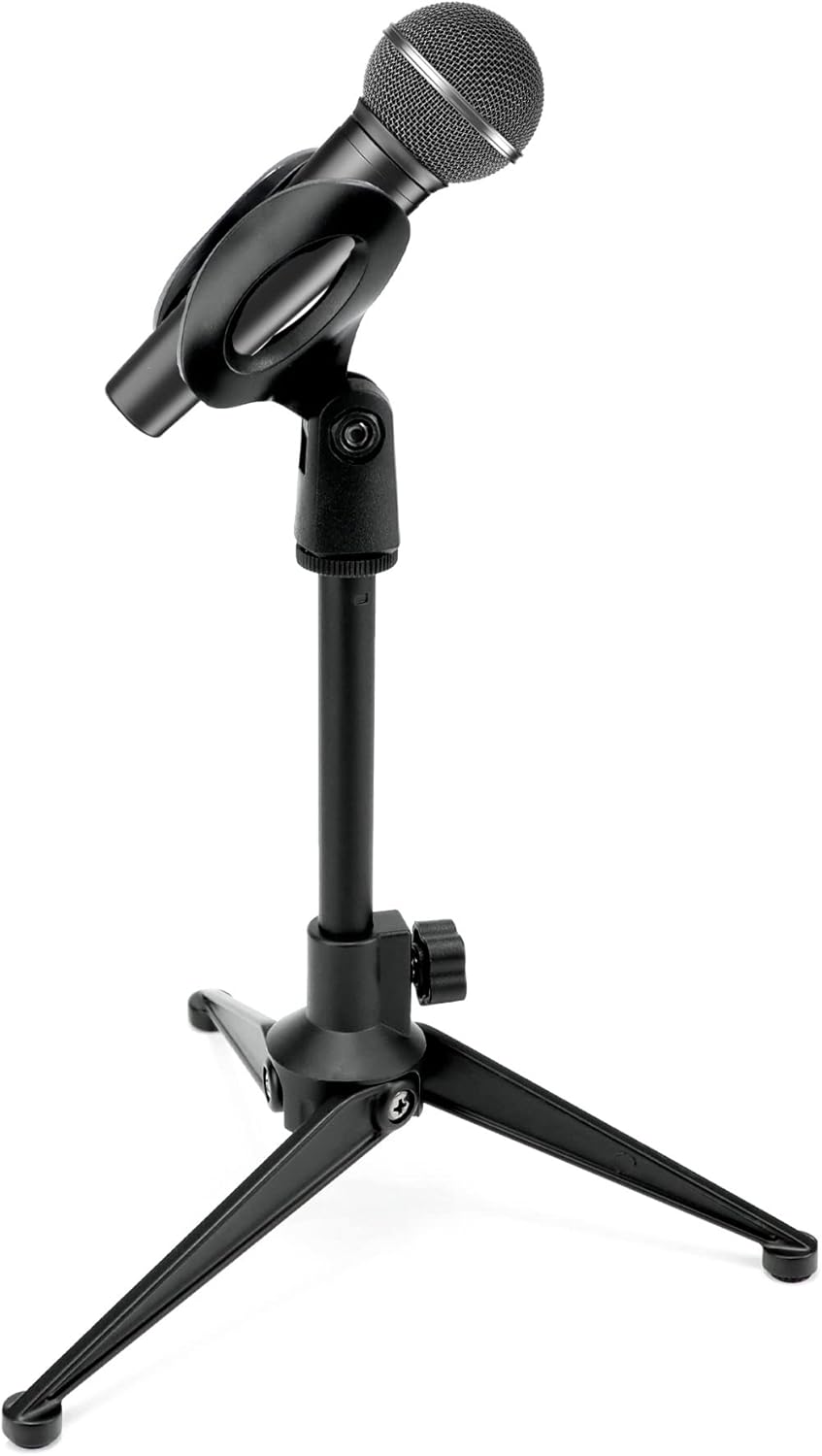
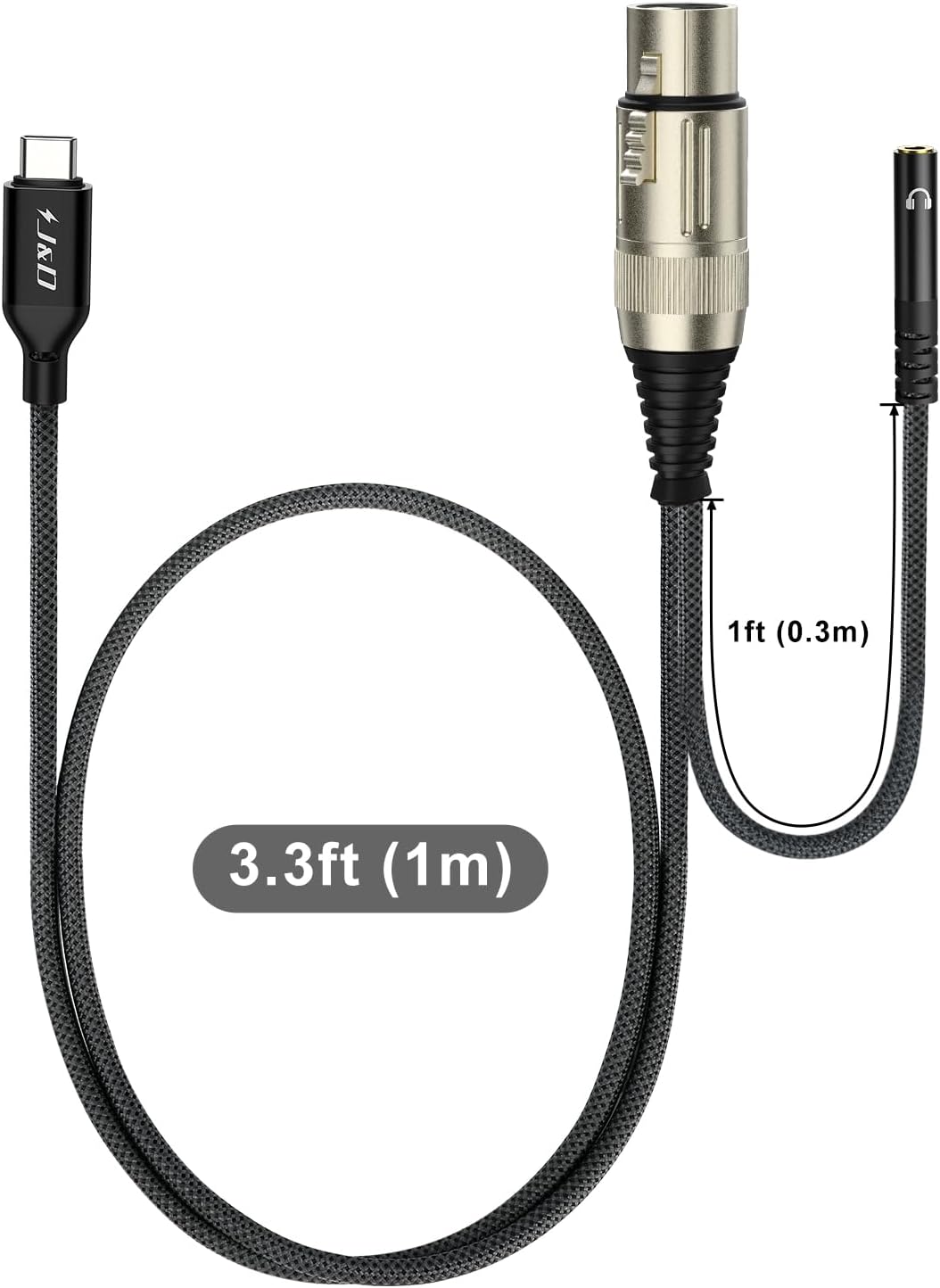
The second is the person recording on the go, literally from an iPhone setup with a mic, a USB-C XLR cable, headphones, and a small desk tripod.
The third is anyone who wants the setup to feel simple enough that they can understand it instantly.
That last point matters. A lot of audio tools are powerful, but they are not immediate. PodCut is meant to feel like the opposite of a DAW session: open, record, listen, refine, export. The fewer steps between idea and finished sound, the better.
The most useful part of the app is not a single control. It is the fact that the whole workflow is short enough to repeat.
You can make one master with light denoise and a natural voice. Then you can push the intensity closer to a radio sound, adjust the gate, lower the music bed, or compare a different mastering style and render a second version. PodCut Studio keeps those masters in the page and lets you compare them as Version A and Version B.
That A/B comparison is one of the features I like most. Audio decisions are hard to make from memory. A louder version almost always feels better for a few seconds, even if it is harsher over a longer listen. Being able to switch between two renders keeps the decision honest and fast.
Background music is useful until it starts fighting the voice.
PodCut Studio includes two controls for that:
That gives you enough control to create a polished intro, outro, trailer, narrated demo, or short-form episode without drawing automation curves across a timeline. For the kind of work PodCut is built for, that level of control is usually enough.
PodCut Studio processes audio on your device.
The recording, silence cutting, denoise, music mix, mastering, preview generation, and WAV export all happen in the browser. That local-first approach has three practical advantages:
There are trade-offs. Very long episodes and older machines may take more time to render, and browser audio support can vary a little across devices, but local processing is a strong default.
I deliberately did not try to turn PodCut into a full DAW.
That means no multitrack timeline, no deep session management, no plugin chain to configure, and no endless export loop. I wanted the app to focus on the things solo creators actually need most often: record, clean up, master, compare, and export.
I also left out unnecessary complexity in the interface. The goal was not to make the user think about audio engineering for ten minutes before they can begin. The goal was to let them start quickly, hear the result quickly, and make decisions quickly.
I reach for PodCut when I want to:
That is the sweet spot: not “every audio feature ever,” but the most common finishing moves wrapped into one focused production surface.
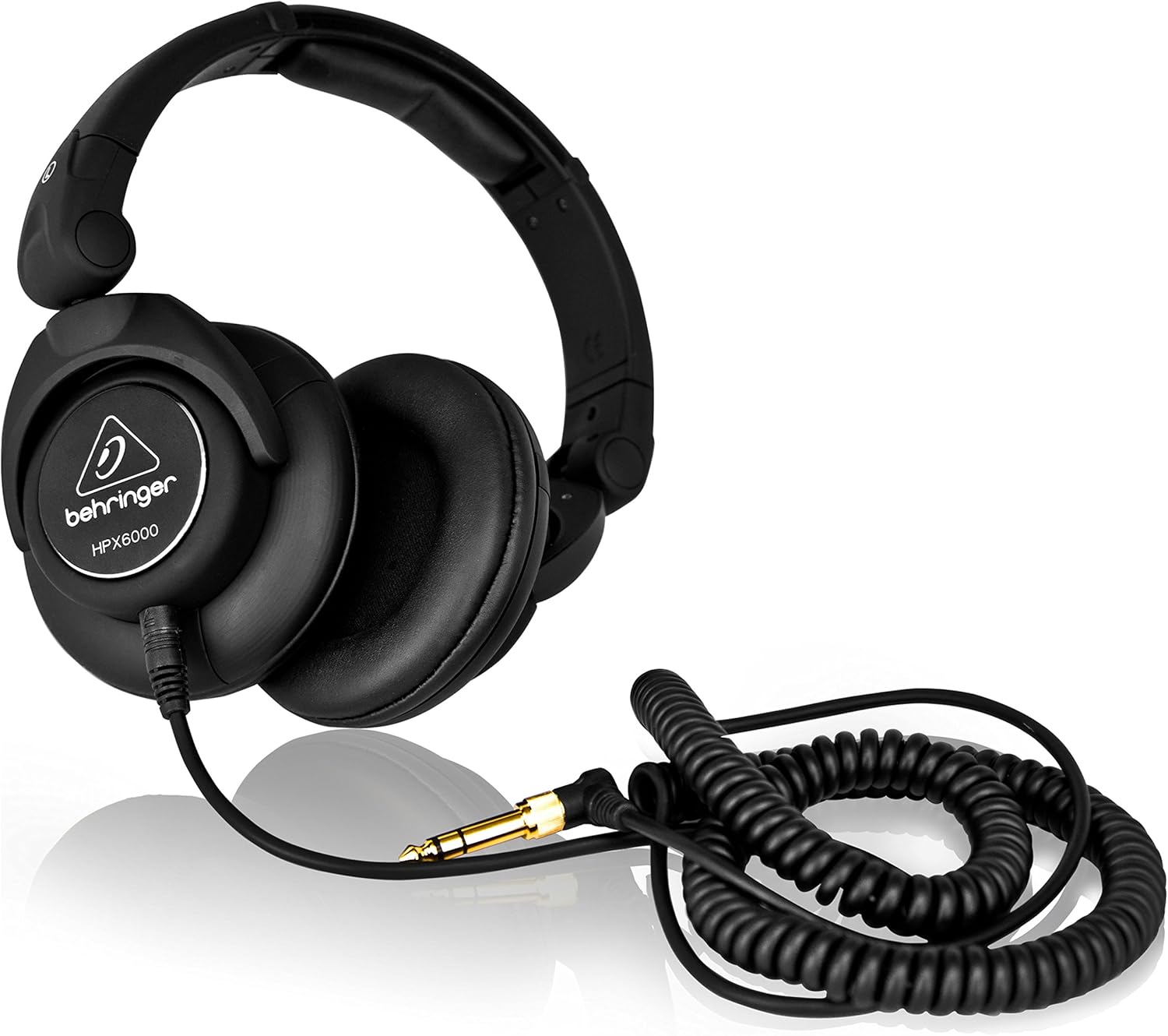
The exact starter kit I tested with PodCut for recording podcast audio on the go: simple, portable, and good enough to sound finished.
PodCut Studio is part of my collection of local-first one-page web apps. It runs in the browser, keeps the work on your machine, and turns a raw podcast take into something much closer to publishable.
PodCut Studio lives in the one-page web apps collection. If you find it useful, consider starring the repo so more people can discover the tools.